How to Post and Schedule YouTube Shorts (Settings That Matter)
How to upload and schedule YouTube Shorts from a computer or phone, which settings matter (title, description, visibility, made for kids, publish time), and how to post shorts straight from Postmotion.
· 5 min read
Making a great short is half the job. The other half is getting it out: with the right title and settings, at a time your audience is watching, on a rhythm you can keep. This guide covers how to post and schedule YouTube Shorts, which upload settings actually matter, and how to set up a posting rhythm that doesn't eat your week.
What makes a video a YouTube Short?
YouTube treats an upload as a Short when it is:
- Vertical or square (9:16 is the standard, 1080 × 1920 pixels), and
- Three minutes or shorter. YouTube raised the limit from 60 seconds to three minutes in October 2024.
You don't need to add #Shorts to the title for YouTube to recognise it; the shape and length are what count. A hashtag can still help with discovery, but it's optional.
How to upload a Short from a computer
- Open YouTube Studio (studio.youtube.com) and click Create → Upload videos.
- Choose your vertical MP4.
- On Details, write the title and description (more on both below).
- Answer "Is this video made for kids?" — this is required (see below).
- Skip or fill in Video elements. End screens and cards aren't shown on Shorts.
- On Visibility, choose Public, Unlisted, Private, or Schedule.
How to schedule a YouTube Short
Scheduling means uploading now and letting YouTube publish later. In YouTube Studio, on the Visibility step:
- Choose Schedule.
- Pick the date, time, and time zone.
- Click Schedule.
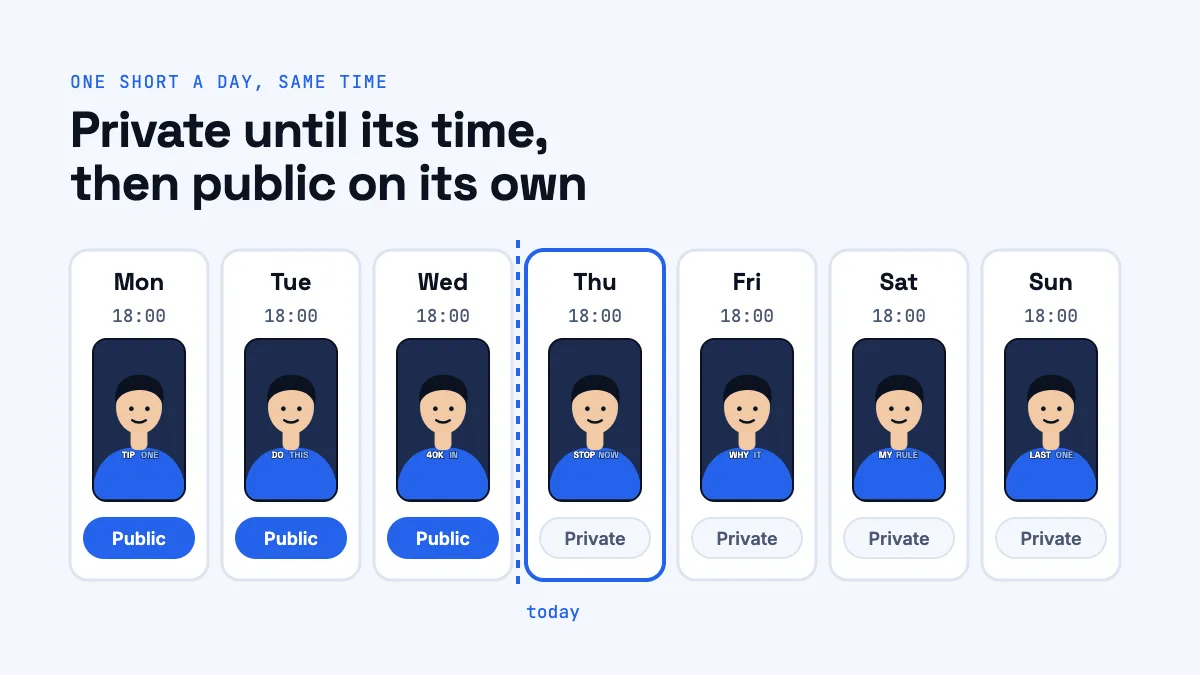
Until that moment, the video stays private. At the scheduled time YouTube makes it public on its own; you don't need to be online, and the tool you uploaded with doesn't need to be either. To change the time or cancel, open the video in YouTube Studio → Content and edit its visibility.
In the YouTube app on a phone, you can upload a Short from your gallery with the + button; for full control over scheduling and details, YouTube Studio is the most reliable place.
The settings that matter
Title (up to 100 characters)
On the Shorts feed, the title is small and often cut off, but it matters in search, on your channel page, and when the short is shared. Write it like a headline:
- Say what the viewer gets, in plain words: "Why your course is priced too low".
- Front-load the key words. Only the first few words show in many places.
- Match the hook. The title and the on-screen hook should promise the same thing.
Description (up to 5,000 characters)
Most viewers never open it, but search does read it. A couple of sentences that describe the clip in natural language, plus a link to the full episode or video, is enough. If the short comes from a podcast, this is where you send people to the whole conversation.
Visibility
- Public: everyone can see it, and it can appear in the Shorts feed.
- Unlisted: only people with the link can see it. Useful for sending a short for review.
- Private: only you (and people you invite) can see it.
- Scheduled: private until the time you choose, then public.
Made for kids
YouTube requires every upload to say whether it's made for kids, to comply with children's privacy law (COPPA in the US). Choose yes only if the video is aimed at children. Videos marked as made for kids lose features such as comments and personalised ads. For a typical creator, coach, or podcast short, the answer is no.
When to post Shorts
There's no single best time for everyone; the right time is when your audience is on YouTube. Some practical guidance:
- Check YouTube Analytics → Audience → "When your viewers are on YouTube" once you have some history. Post an hour or two before the peak.
- Consistency beats timing. Posting at the same time each day makes it easier for you and for returning viewers.
- Don't flood. Ten shorts at once compete with each other. One or two a day spreads them out and gives each one a fair start.
Build a posting rhythm from one long video
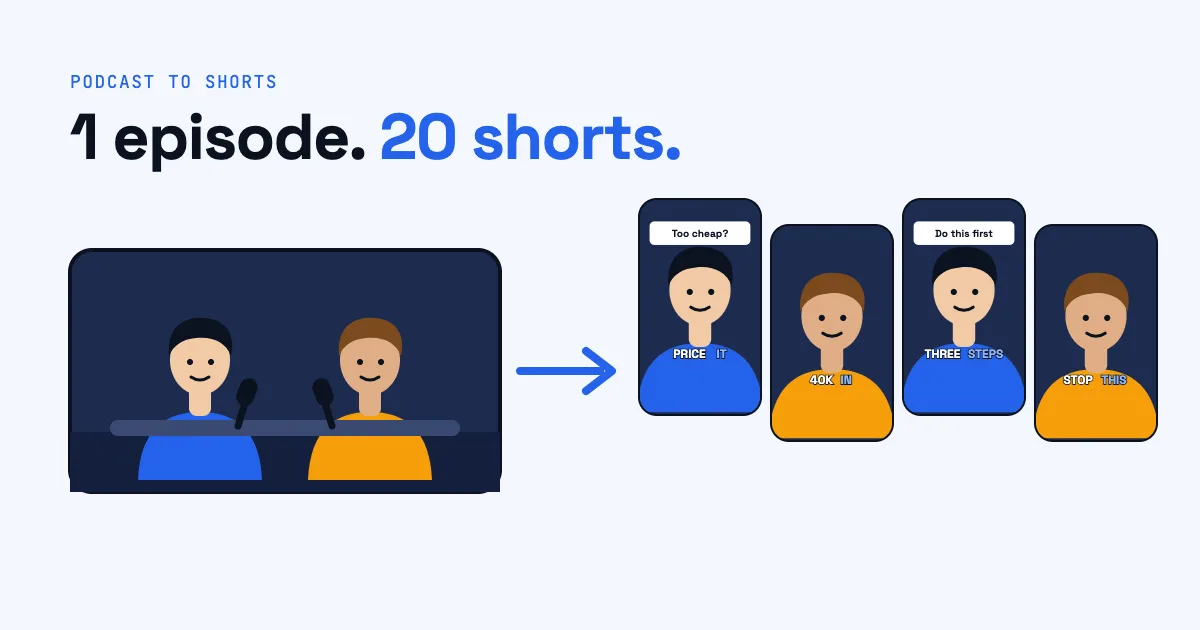
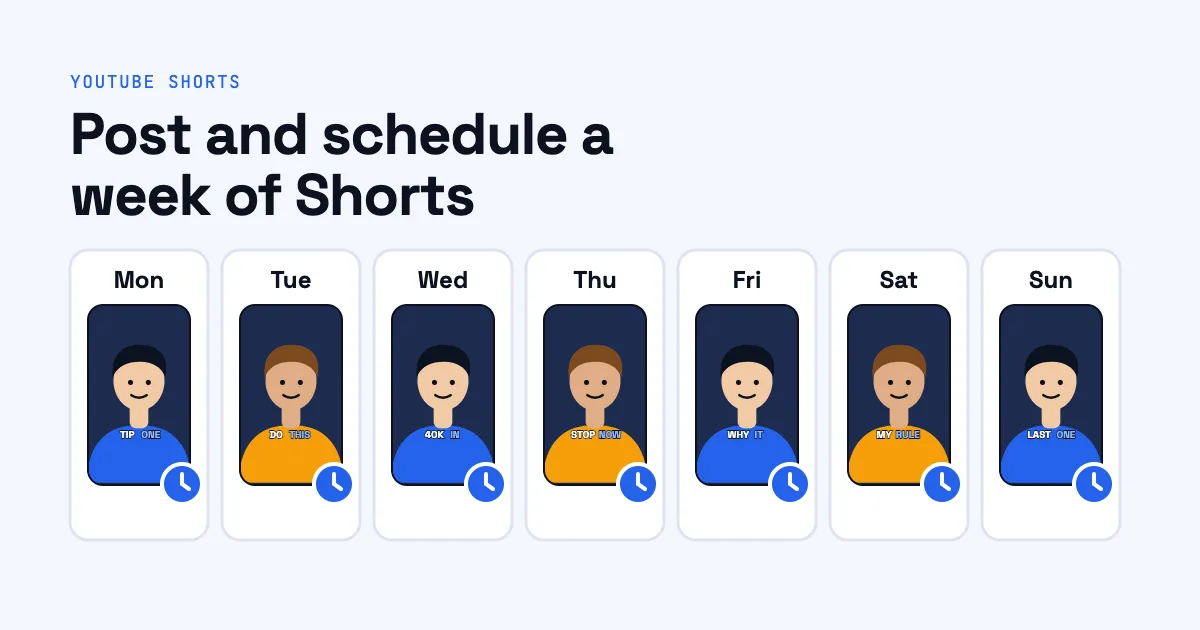
This is where long videos shine. One hour-long podcast or lesson can give you around 20 shorts (see how to turn a podcast into shorts). At one short a day, that's almost three weeks of posting from a single recording session.
A simple routine:
- Make all the shorts from one video in one sitting.
- Rank them: the strongest goes first, while you're still learning what lands.
- Schedule them, one per day at the same time.
- Review after a week. Which hooks held viewers? Which topics got comments? Let that shape what you cut from the next video.
Posting straight from Postmotion
If you make your shorts with Postmotion, you don't need to download and re-upload them. Connect your YouTube channel once from your account page, then on any exported short:
- Click Post to YouTube.
- Check the title (filled in from the short) and add a description.
- Choose who can see it: public, unlisted, or private.
- Answer made for kids.
- Optionally pick a publish time to schedule it, or leave it empty to post now.
Postmotion uploads the MP4 to your channel with exactly those settings and shows you a link when it's on YouTube. A scheduled short is uploaded straight away as private with your publish time, and YouTube publishes it at that time. Postmotion only uploads what you choose to post: it can't see, change, or delete your other videos. You can disconnect at any time, which withdraws its access at Google.
Frequently asked questions
Can you schedule YouTube Shorts?
Yes. In YouTube Studio, choose Schedule on the Visibility step and pick a date and time. The Short stays private until then and goes public automatically.
Why is my Short not showing as a Short?
Check its shape and length: it needs to be vertical or square and three minutes or shorter. A horizontal video is treated as a regular video whatever its length.
Should I mark my Shorts as made for kids?
Only if they're aimed at children. Marking a video as made for kids turns off comments and some other features, so don't choose it for general-audience content.
How many Shorts should I post a day?
One or two a day is a sustainable rhythm for most creators. Consistency over weeks matters more than volume on one day.
Do I need #Shorts in the title?
No. YouTube identifies Shorts by their vertical shape and length. The hashtag is optional.