Postmotion vs OpusClip vs Submagic: Which AI Clipping Tool Fits You? (2026)
An honest comparison of Postmotion, OpusClip, and Submagic for turning long videos into shorts: prices, what each plan includes, video length limits, B-roll, captions, and posting, checked October 2026.
· 6 min read
If you record long videos (podcasts, lessons, talks, interviews) and want shorts out of them, three names come up again and again: OpusClip, Submagic, and Postmotion, the tool this blog belongs to. They overlap, but they're built around different jobs, and the price you actually pay depends heavily on how you work.
This comparison is written by the Postmotion team, so read it with that in mind. We've tried to be fair: every competitor price below comes from their own pricing pages as we read them on October 25, 2026, and we say clearly where a number comes from a third-party report instead. Prices change; check each site before you buy.
The short answer
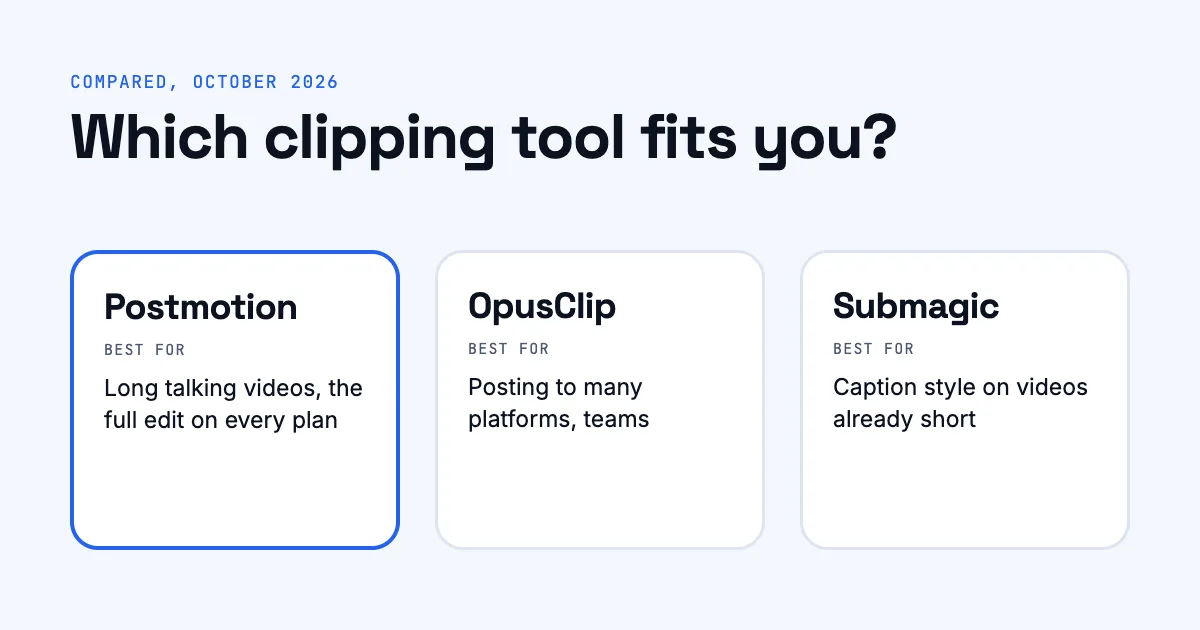
- Choose OpusClip if you want a free plan to start, need to post to many platforms (TikTok, Instagram, LinkedIn, X and more) from one place, or work in a team.
- Choose Submagic if your videos are already short and you mainly want striking captions, with B-roll and effects on top.
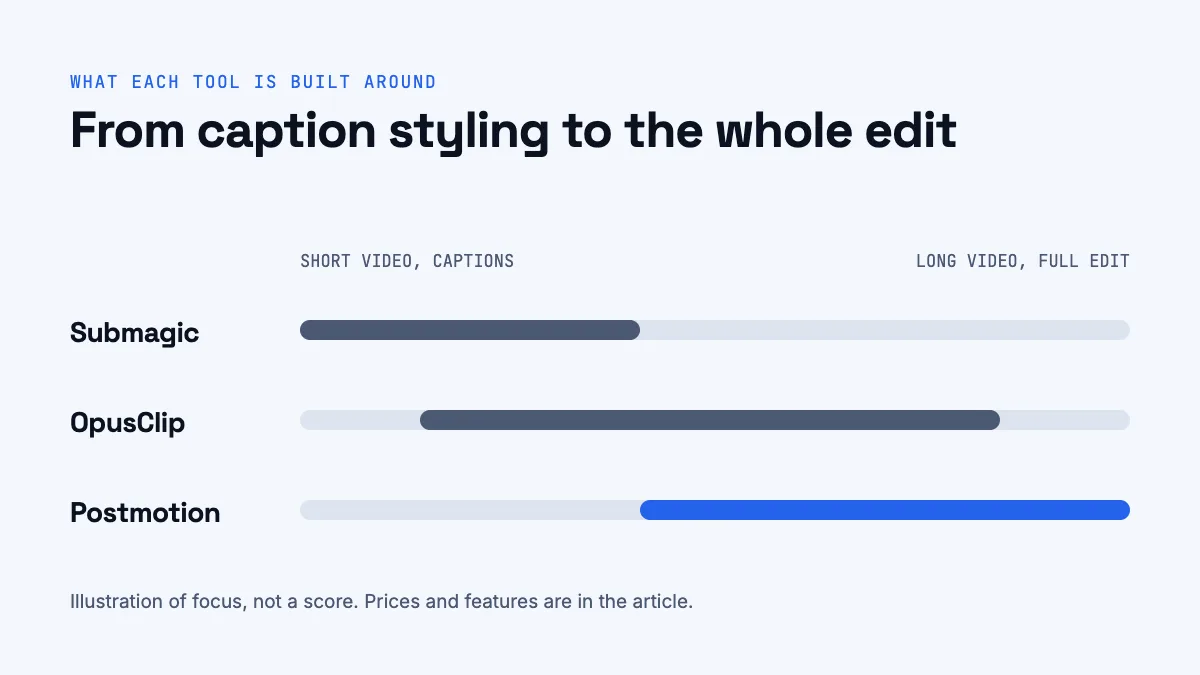
- Choose Postmotion if you start from long talking videos (up to an hour), want the full edit (moments picked, speaker framed, captions, B-roll, hook, music) on every plan, and want to re-edit for free.
What each tool is built for
OpusClip
OpusClip is one of the best-known AI clipping tools. You give it a long video and it suggests clips, scores them, reframes them to vertical, and adds animated captions. Its paid plans add B-roll, a social scheduler, and, on Pro, team seats and API access. It is a broad platform aimed at creators, social teams, and agencies.
Submagic
Submagic started as a caption tool and is still best known for it: stylish animated captions with emojis, highlights, and effects, plus B-roll, zooms, and sound effects. Its pricing is organised around the number of videos you process each month and the maximum length of each one. Turning a long video into clips is handled by a separate feature, Magic Clips.
Postmotion
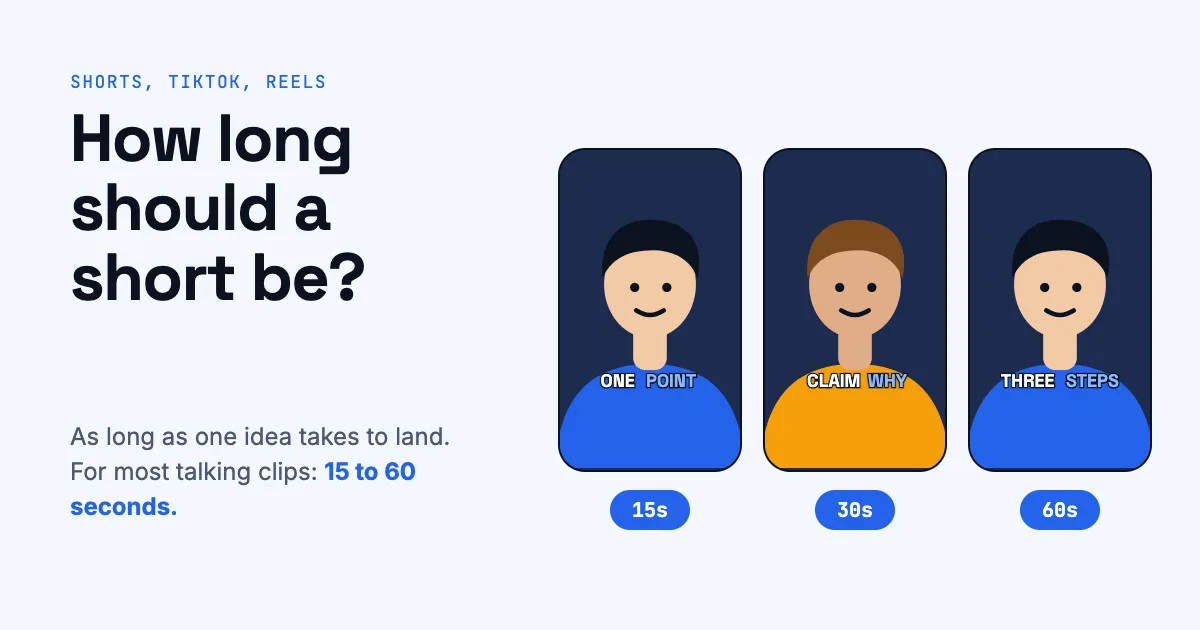
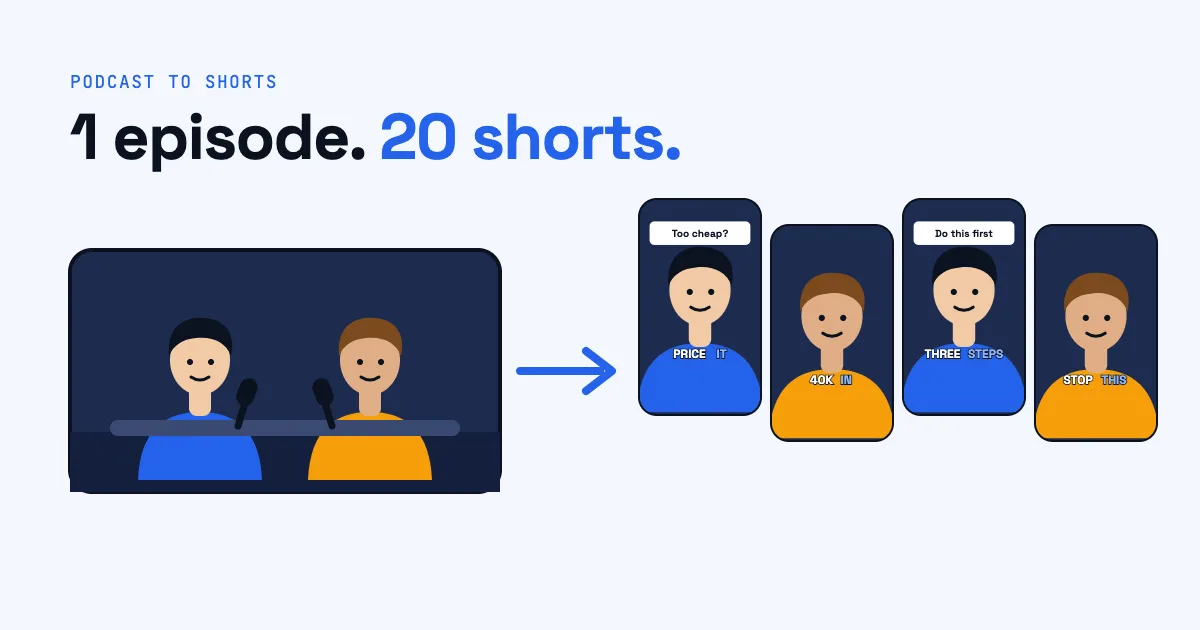
Postmotion is built for one job: one long talking video in, up to 20 finished shorts out. You upload a video up to an hour long. Postmotion transcribes it word by word, picks moments of 15 to 60 seconds that start on a strong line, keeps the speaker in frame on wide shots, and edits each short with word-by-word captions, B-roll it has looked at before using, a hook, pop-ups, zooms, and music. You can then change any caption, cut-in, trim, or sound for free, export, and post or schedule to YouTube.
Pricing compared
| Postmotion | OpusClip | Submagic | |
|---|---|---|---|
| Free plan | No | Yes, with watermark | Limited (see below) |
| Entry plan | Creator, $19/month | Starter, $15/month | Starter, $19/month ($12/month yearly) |
| Middle plan | Pro, $39/month | Pro, $29/month | Pro, $39/month ($23/month yearly) |
| Top plan | Studio, $79/month | Business, custom | Business, $69/month ($41/month yearly) |
| How usage is counted | Minutes of video uploaded; exports free | Credits per minute of video (third-party reports) | Videos per month, with a maximum length per video |
| Yearly discount | 2 months free | Yes (see their page) | About 40% |
How to read these. The plans measure different things, so compare what you would make in a month:
- Postmotion: Creator includes 180 minutes of video a month (3 hours, about 60 shorts, or six half-hour videos). Pro has 420 minutes (7 hours), Studio 960 (16 hours). Exporting and re-editing are free; minutes you don't use stay on your account. New accounts get 30 minutes free.
- OpusClip: its pricing page lists features per plan rather than credit amounts. Third-party guides report 150 credits a month on Starter and 300 on Pro, with one credit per minute of video imported, and monthly credits expiring after 60 days. Treat those as reported, not official.
- Submagic: Starter covers 15 videos a month of up to 2 minutes each, Pro 40 videos of up to 5 minutes, and Business 100 videos of up to 30 minutes. Magic Clips, the long-to-short feature, is sold separately; third-party reviews put it at around $19 a month on top of a plan, and its free tier at about three short videos with a watermark.
Features compared
| Postmotion | OpusClip | Submagic | |
|---|---|---|---|
| Longest input video | 60 minutes | Large uploads (up to 30 GB on paid plans) | 2, 5, or 30 minutes depending on plan |
| Picks the moments from a long video | Yes, up to 20 per video | Yes | With Magic Clips (separate) |
| Reframes wide video to vertical, following the speaker | Yes, on every plan | Yes | Yes |
| Animated word-by-word captions | Yes | Yes | Yes (its specialty) |
| B-roll | Stock clips, checked against what's said, every plan | Limited on Starter, unlimited stock and AI B-roll on Pro | Free library on Starter, premium library on Pro and up |
| Hook text in the first seconds | Yes | Not listed on pricing page | Not listed on pricing page |
| Music under the voice | Yes, ducked under every word | Not listed on pricing page | Audio library included |
| Free re-edits after the clip is made | Yes | Editor included | Editor included |
| Watermark | Never | On the free plan | On the free tier |
| Export | 1080 × 1920 MP4 | Up to the highest resolution on paid plans | 1080p, 4K on Business |
| Post or schedule | YouTube | Starter posts to YouTube, TikTok, Instagram; Pro schedules to 9 platforms | Publishing included (profiles vary by plan) |
| Every feature on every plan | Yes | No | No |
Where each one wins
OpusClip wins on reach and teams. A free plan to try it, scheduling to nine platforms on Pro, multiple aspect ratios, very large uploads, team seats, and an API. If you manage several channels or clients, that breadth matters.
Submagic wins on caption style for short videos. If you already have a 60-second video and want it to look like the most polished captioned clips in your feed, Submagic is built for exactly that. Its plans fit people who edit a handful of short videos a week.
Postmotion wins on long talking videos and simplicity. It takes a full hour, does the whole edit (not just captions), and doesn't hold features back for dearer plans: speaker framing, B-roll, music, unlimited re-edits, and no watermark are on every plan. Credits don't expire while your account exists. The trade-offs: no free plan, vertical 9:16 output only, and posting is to YouTube only for now.
How to choose
Ask yourself three questions:
- How long are your source videos? Under five minutes: Submagic fits. Long podcasts, lessons, or talks: OpusClip or Postmotion.
- Where do you post? Only YouTube Shorts, or download and post yourself: any of the three. Many platforms on a schedule, managed by a team: OpusClip Pro.
- How much editing do you want to do? If you want to tweak every clip, all three have an editor. If you want the clips to come out finished and only fix what you don't like, without paying for re-edits, that's what Postmotion is designed around.
If you're new to clipping, read how to turn a podcast into shorts first. It explains what any of these tools is doing for you, so you can judge the results.
Frequently asked questions
Is there a free OpusClip alternative?
OpusClip itself has a free plan with a watermark. Postmotion gives new accounts 30 free minutes once, with no card; after that every plan includes every feature with no watermark.
Which is cheaper, OpusClip or Submagic?
At the entry level OpusClip Starter ($15/month) is cheaper than Submagic Starter ($19/month, or $12/month paid yearly). But they count usage differently (minutes of video vs. number of videos), so the cheaper one depends on how long your videos are and how many you make.
Can Submagic turn a long video into clips?
Yes, with Magic Clips, which is sold separately from its main plans. Its standard plans also cap the length of each video (2 minutes on Starter, 5 on Pro, 30 on Business).
Does Postmotion work for videos that aren't podcasts?
Yes, for any video of someone talking to the camera: lessons, talks, interviews, webinars, or a founder speaking into a phone. It isn't built for gaming, music videos, or footage without speech.
Do Postmotion minutes expire?
No. Minutes you don't use stay on your account for as long as it exists, including after you cancel a plan.