How to Turn a 1-Hour Podcast into 20 YouTube Shorts (Step by Step)
A step-by-step workflow to repurpose one podcast episode into up to 20 vertical shorts for YouTube Shorts, TikTok, and Reels: picking the moments, reframing, captions, hooks, and posting.
· 7 min read
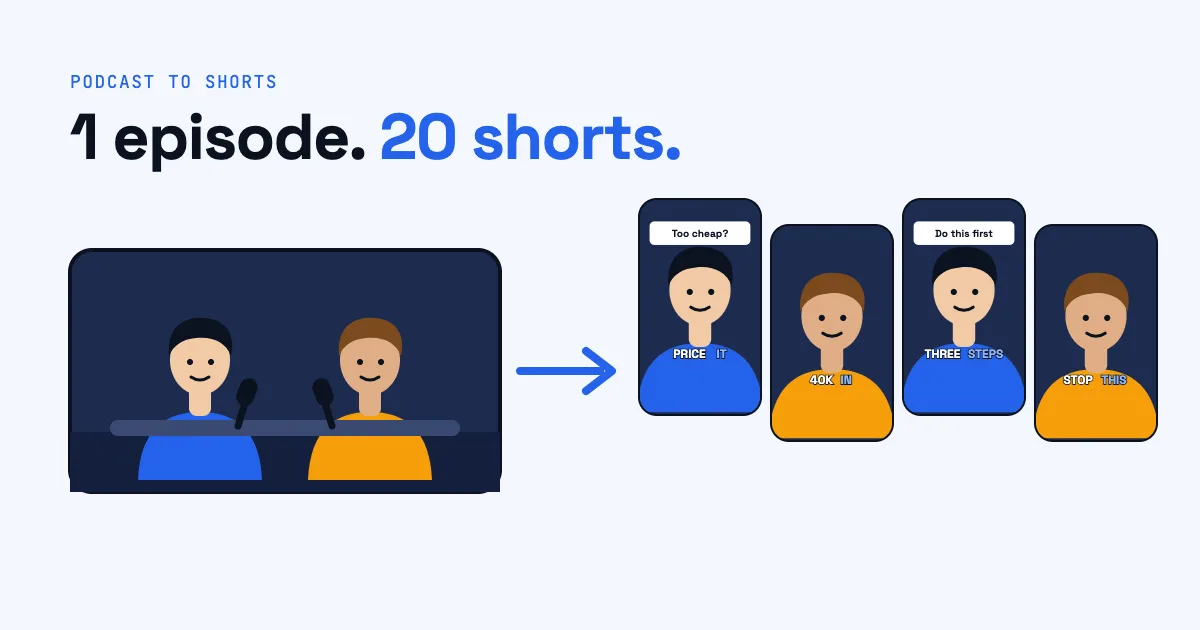
A one-hour podcast episode holds more good material than most creators ever post. Somewhere in that hour there is a sharp answer, a surprising number, a story with a punchline, and a piece of advice someone will want to send to a friend. Cut out and edited for a phone screen, each of those moments can become a short that brings new listeners to the full episode.
This guide shows how to turn a podcast into shorts in a repeatable way: how many clips one episode can give you, how to find the moments worth posting, how to reframe a wide two-person shot for a vertical screen, and what every clip needs before it goes out. You can do every step by hand in a video editor, and at the end we show how Postmotion does the same work automatically.
How many shorts can one podcast episode give you?
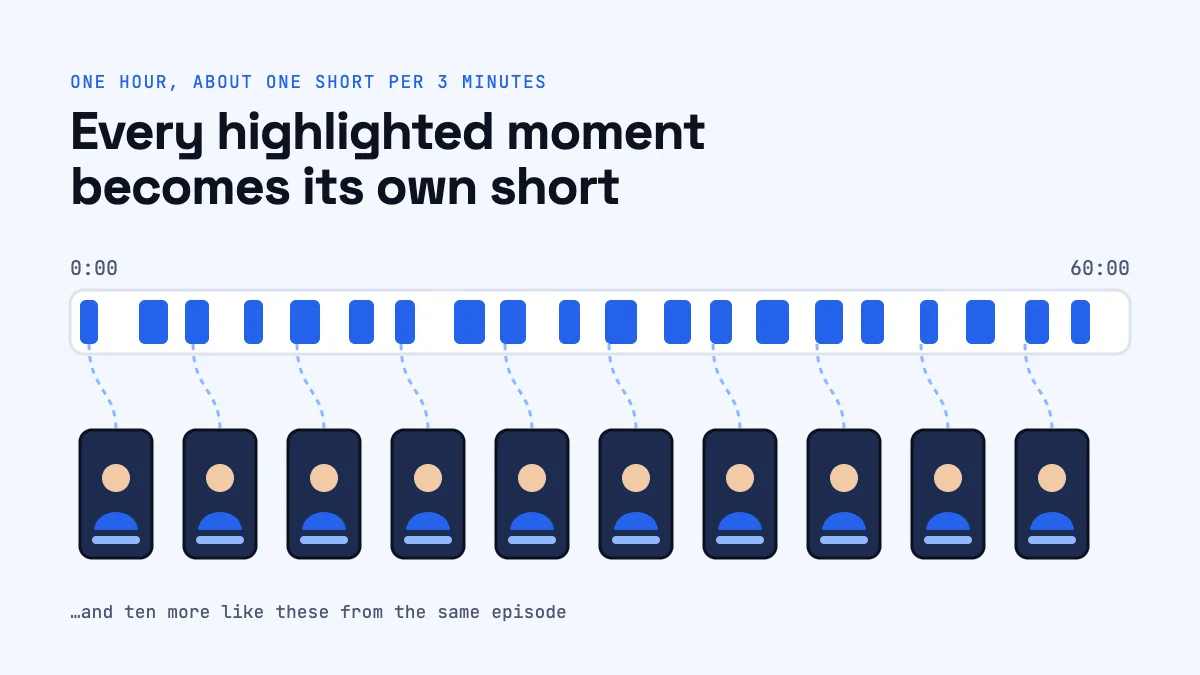
A good rule of thumb is one short for every three minutes of conversation. A 60-minute episode gives you about 20 candidate moments, a 30-minute one about 10. You won't love all of them, but aiming for that number forces you to look past the two or three obvious highlights and find the quieter moments that often do surprisingly well.
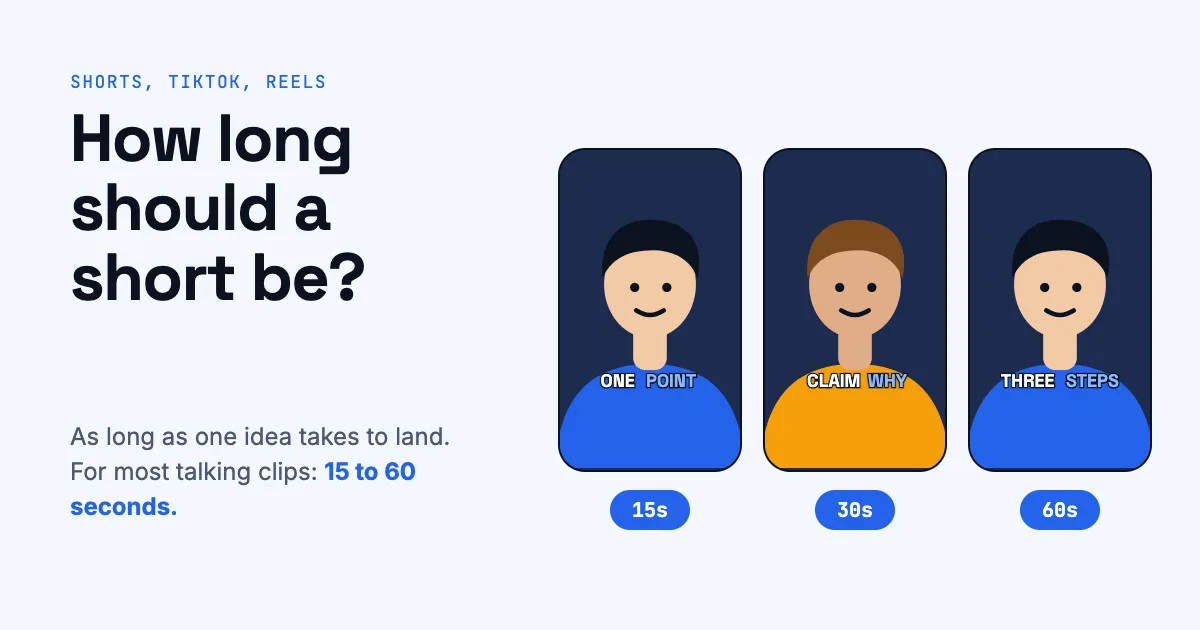
Most good podcast clips run between 15 and 60 seconds. That's long enough for one complete thought, and short enough that a viewer who swiped in from nowhere stays to the end. YouTube Shorts now accepts videos up to three minutes, but length is not the goal; a finished thought is. (We cover length in detail in How long should a short be?.)
Step 1: Get a clean recording and a transcript
Everything later depends on two things: a good source file and a word-by-word transcript.
- Use the original file, not a re-download. Export the episode from your editing software or recording platform at full resolution. A 1080p or 4K master gives you room to crop a vertical frame out of a wide shot without the picture turning soft.
- Transcribe with word timings. You need to know not just what was said but when each word was said, down to a fraction of a second. Word timings let you start a clip exactly on a word, cut out a stumble, and make captions that light up in time with the speaker.
A transcript also turns "watch an hour of video" into "read for ten minutes", which is the single biggest time saver in this whole workflow.
Step 2: Find the moments worth posting
Read the transcript the way a listener would, and mark every passage that works without the rest of the episode. A clip has to make sense to someone who has never heard of your show. Good candidates usually have one of these shapes:
- A strong claim, then the reason. "Most people price their course too low. Here's why…"
- A number that surprises. "We went from 200 to 40,000 subscribers in eight months, and it wasn't the videos."
- A short story with a turn. Setup, tension, and a line that lands.
- A clear how-to. Three steps, one tip, one mistake to avoid.
- A disagreement. Two hosts pushing back on each other is great short-form material.
Then check each candidate against three questions:
- Does it start on a strong line? Cut away the "so, um, yeah, I think…" and begin where the idea begins.
- Does it end where the thought lands? The last line should feel like an ending, not like someone was cut off mid-sentence.
- Would someone send this to a friend? If the honest answer is no, keep looking.
Don't worry about choosing perfectly. Posting 15 clips and learning which three took off teaches you more than polishing two.
Step 3: Reframe the wide shot for a vertical screen
Most video podcasts are filmed in 16:9, with two or more people sitting side by side. A vertical short is 9:16, so you have to decide what fills the frame.
- Follow the speaker. Crop around whoever is talking, and move the crop when the other person answers. This is what most viewers expect.
- Split the frame. When both people are reacting, stack them: one on top, one below. It works well for debates and fast back-and-forth.
- Respect camera cuts. If your episode already switches between cameras, your crop needs to follow those cuts too, or you'll end up framing an empty chair.
Done by hand, this is the slowest part of the job: you scrub through every clip and keyframe the crop. It's also the step where an automatic tool saves the most time, because face tracking can do it frame by frame.
Step 4: Add captions people can read with the sound off
A large share of short-form viewers watch with the sound off at least some of the time, and even with sound on, captions help people follow a fast talker. Good short-form captions are not subtitles:
- Big words, a few at a time. Two to four words on screen, in a bold, readable font.
- Highlight the word being said. Lighting up each word as it's spoken pulls the eye along with the voice.
- Set apart the key word. In every idea there is one word that matters most: a number, a name, the verb. Give it a different color.
- Keep them out of the app's way. YouTube, TikTok, and Instagram put buttons and the caption of the post along the bottom and right edge. Keep your captions in the middle third of the screen.
Step 5: Give every clip a hook
The first two seconds decide whether someone keeps watching. On a podcast clip, the hook is usually a line of text on screen that tells the viewer why this moment matters, drawn from what's actually said. For example, over a clip about pricing: "The pricing mistake that cost us $40k." It shouldn't promise something the clip doesn't deliver; it should make the payoff impossible to scroll past.
We go deeper on hooks, pacing, and visual variety in What makes a short keep people watching.
Step 6: Add B-roll, pop-ups, and music (lightly)
Two people talking on one shot can feel static after a while. A few edits help keep the eye moving:
- B-roll: when the speaker mentions something you can show (a city, a product, money, a crowd), cut to a short stock clip while their voice continues, then cut back.
- Pop-ups: a key number or phrase pops up on screen as it's said.
- Jump zooms: a small punch-in on a new sentence feels like a second camera angle.
- Music: a quiet bed that ducks under the voice, never competing with it.
Use them to support the words, not to decorate. A clip about grief does not need whooshes.
Step 7: Export, post, and keep a rhythm
Export each short as a vertical 1080 × 1920 MP4. Then post on a schedule you can keep: one short a day from a single episode covers almost three weeks. Give each one its own title and description, and link the full episode in the description or a pinned comment. Our guide to posting and scheduling YouTube Shorts covers the settings that matter.
Doing it by hand vs. with an AI clipping tool
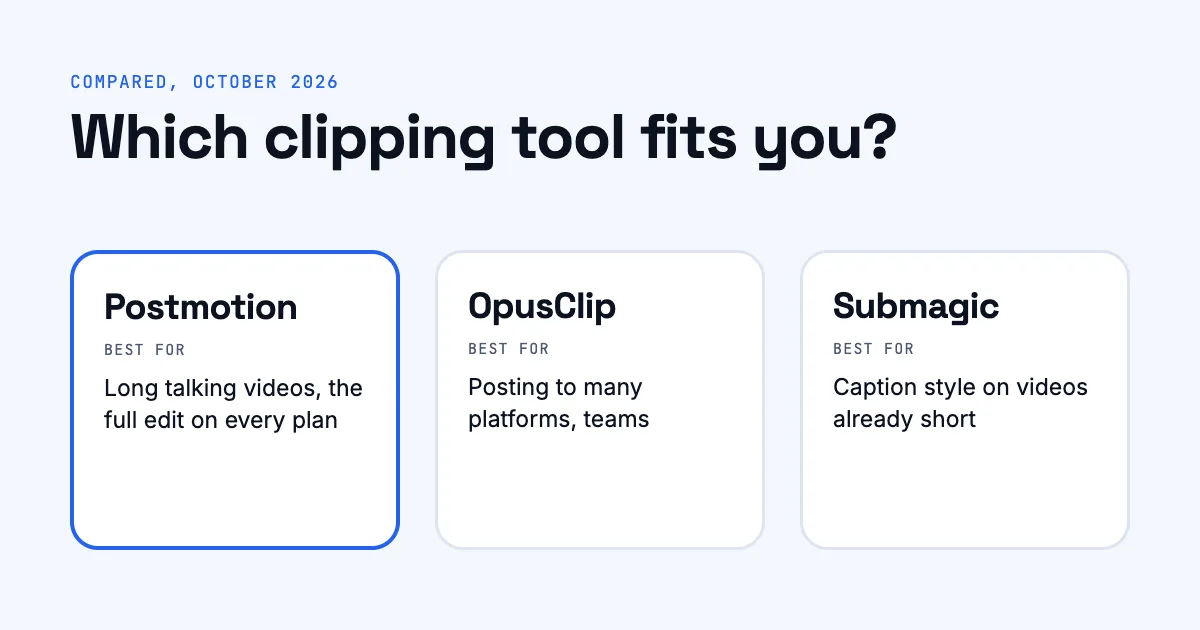
By hand, a careful editor might spend 20 to 40 minutes per clip once you add up finding, reframing, captioning, and checking. Twenty clips is a week of work. That's why AI clipping tools exist, and they differ a lot in what they actually edit. Our comparison of Postmotion, OpusClip, and Submagic breaks down prices and features.
Here's how Postmotion handles the steps above:
- Upload the episode (up to an hour). Postmotion transcribes it word by word.
- It picks the moments: up to 20 shorts of 15 to 60 seconds, about one per three minutes, each starting on a strong line and ending where the thought lands, each with a hook.
- It keeps the speaker in frame, finding camera cuts and faces, following whoever is talking, or splitting the frame when two people are on screen.
- It edits each one: word-by-word captions with the key word set apart, B-roll it has looked at before using, pop-ups, jump zooms, and music that dips under every word.
- You change anything for free, export the MP4, and post it straight to YouTube or schedule it.
Frequently asked questions
How many clips should I make from one podcast episode?
About one per three minutes of conversation is a good target: around 20 from an hour-long episode. Post the strongest first and learn from what performs.
What's the best length for a podcast clip?
Between 15 and 60 seconds covers most good clips. Long enough for one complete thought, short enough to be watched to the end.
Do I need a video podcast to make shorts?
A video recording gives you much stronger shorts, because faces and reactions hold attention. Audio-only episodes can be turned into audiograms, but they generally perform worse in feeds built for video.
Should I post the same clip on YouTube Shorts, TikTok, and Reels?
Yes. A clip in 9:16 with captions kept away from the edges works on all three. Write a separate title and description for each platform's audience.
Can AI pick podcast clips as well as a person?
AI is very good at reading a whole transcript and spotting self-contained moments with a strong opening, which is the slowest part for a person. You should still watch the results and change what doesn't fit; that's why being able to re-edit a clip freely matters.